Mobile Device Security: Protecting Your Phone and Tablet
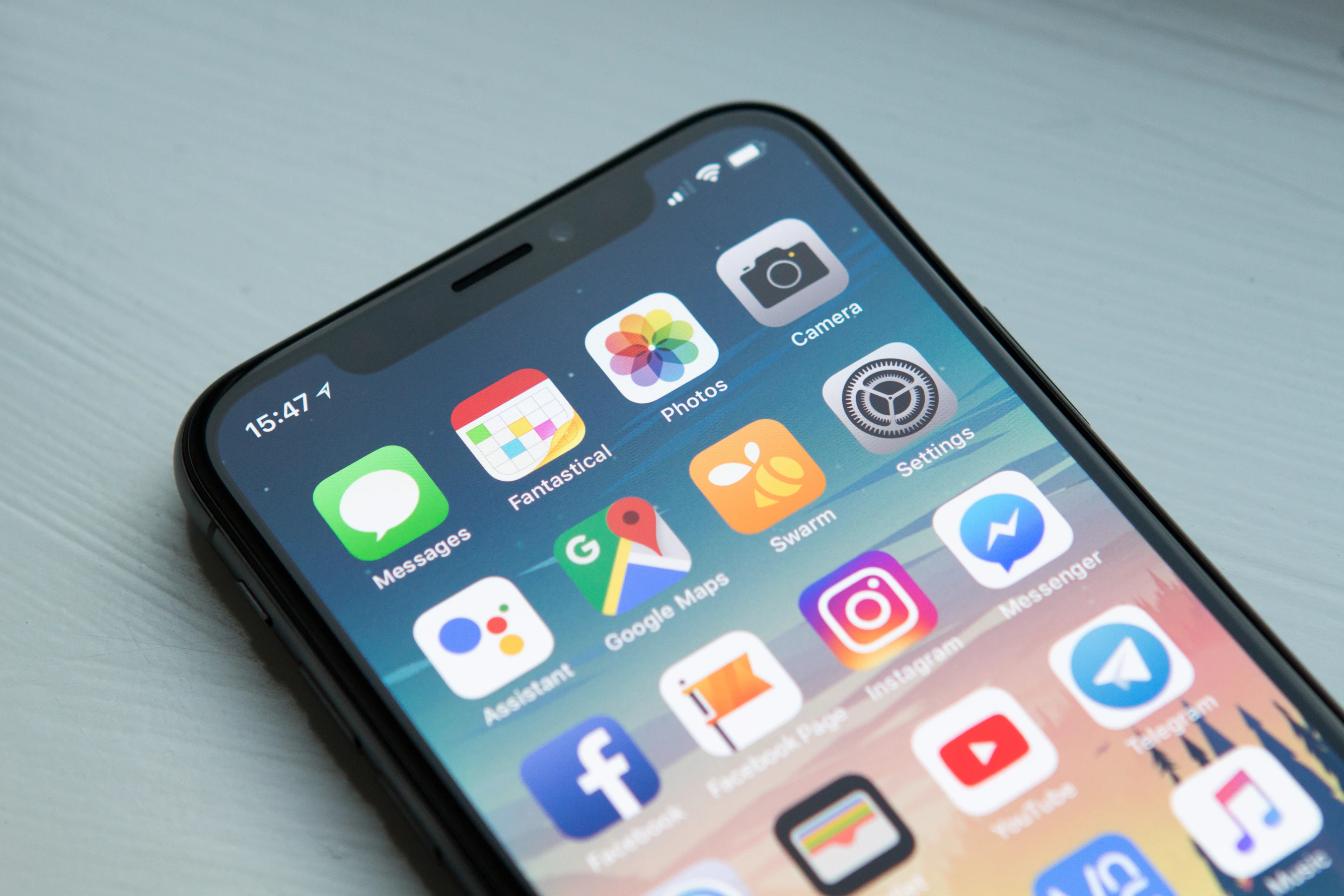
Your phone and tablet contain more sensitive data than you might realize—photos, messages, emails, banking apps, and access to all your accounts. Yet many people treat mobile security as an afterthought, leaving their devices vulnerable to theft, malware, and unauthorized access.
Mobile devices face unique security challenges. They’re portable (easy to lose or steal), always connected, and often used on untrusted networks. Here’s how to secure your mobile devices properly.
Why Mobile Security Matters
Your mobile device is a treasure trove of personal and professional data:
- Access to all your accounts
- Photos and videos
- Messages and emails
- Banking and financial apps
- Location data
- Personal information
If your device is compromised, attackers can access everything. Mobile security isn’t optional—it’s essential.
Lock Screen Security
Your lock screen is your first line of defense:
Use Strong Authentication
PIN or Password:
- Use at least 6 digits (preferably more)
- Avoid obvious patterns (123456, 000000)
- Don’t use easily guessable numbers (birthday, address)
Biometric Authentication:
- Fingerprint or face recognition
- Convenient but not perfect
- Use in combination with PIN/password
- Be aware of limitations (someone with similar features, etc.)
Pattern Lock (Android):
- Less secure than PIN/password
- Can be observed and replicated
- Use only if necessary
Configure Auto-Lock
Set your device to lock quickly:
- 30 seconds or less is ideal
- Prevents unauthorized access if you step away
- Balance security with convenience
Device Encryption
Encryption protects your data if your device is lost or stolen:
iPhone Encryption
iPhones use hardware-based encryption that is always on and cannot be disabled. However, setting a strong passcode is essential — it activates Apple’s Data Protection layer, which ties the encryption keys to your passcode so your data can’t be accessed without it:
- Settings → Face ID & Passcode (or Touch ID & Passcode)
- Use a 6-digit PIN at minimum, or an alphanumeric passcode for stronger protection
- Enable Face ID or Touch ID for convenience alongside your passcode
Android Encryption
Modern Android devices (Android 6.0 and later) are encrypted by default — there’s no need to enable it manually. To make sure your device is protected:
- Set a strong screen lock (Settings → Security → Screen Lock)
- Use a PIN of at least 6 digits, or a password
- On older devices (pre-2016), check Settings → Security to verify encryption is active
App Permissions
Apps request permissions—be selective:
Review Permissions Regularly
- Settings → Privacy → App permissions
- Review what each app can access
- Revoke unnecessary permissions
- Be especially cautious of:
- Location access
- Camera and microphone
- Contacts and messages
- Call logs
Install Apps from Trusted Sources
- Use official app stores (App Store, Google Play)
- Avoid sideloading apps from unknown sources
- Research apps before installing
- Check reviews and developer information
Be Cautious of Permissions
Question why apps need certain permissions:
- Does a calculator need location access? No.
- Does a photo editor need contacts? Probably not.
- Does a game need microphone access? Unlikely.
If an app requests suspicious permissions, don’t install it.
Software Updates
Keep your device and apps updated:
Operating System Updates
- Enable automatic updates
- Install updates promptly
- Updates often include security patches
- Don’t ignore update notifications
App Updates
- Update apps regularly
- Enable automatic updates if available
- Outdated apps may have security vulnerabilities
- Review update notes for security fixes
Public WiFi Security
Public WiFi networks are risky:
Use a VPN
- Install a reputable VPN app
- Connect when using public WiFi
- Encrypts your traffic
- Protects against man-in-the-middle attacks
Be Cautious on Public Networks
- Avoid sensitive activities (banking, shopping)
- Don’t enter passwords on public WiFi
- Use mobile data for sensitive tasks
- Consider always-on VPN for extra security
Disable Auto-Connect
- Turn off automatic WiFi connection
- Don’t connect to unknown networks automatically
- Manually select trusted networks only
Find My Device
Enable device tracking and remote wipe:
iPhone: Find My
- Settings → [Your Name] → Find My → Find My iPhone
- Enable “Find My iPhone”
- Enable “Send Last Location”
- Allows you to locate, lock, or erase your device
Android: Find My Device
- Settings → Security → Find My Device
- Enable location services
- Allows remote location and wipe
- Works through Google account
App Security
Secure your apps and accounts:
Use App Locks
- Lock sensitive apps (banking, email)
- Use biometric authentication for apps
- Prevents unauthorized access if device is unlocked
- Available through device settings or third-party apps
Review App Privacy
- Check app privacy policies
- Understand what data apps collect
- Use privacy-focused alternatives when possible
- Regularly review app permissions
Secure Messaging
- Use end-to-end encrypted messaging
- Signal (strongest privacy option) or WhatsApp (E2E encrypted by default)
- Avoid SMS for sensitive information
- Be cautious of messaging app permissions
Physical Security
Protect your device physically:
Don’t Leave Devices Unattended
- Keep devices with you in public
- Don’t leave in cars or public places
- Be especially careful in shared spaces
- Lock devices when not in use
Use Privacy Screens
- Consider privacy screen protectors
- Prevents shoulder surfing
- Useful for sensitive work
- Protects your screen from prying eyes
Be Cautious of Charging Stations
- Avoid public USB charging stations
- Use your own charger and wall outlet
- Public charging can be compromised
- Consider portable battery packs
Backup and Recovery
Back up your device regularly:
iCloud/Google Backup
- Enable automatic backups
- Encrypt backups when possible
- Test restore process
- Keep backups current
Additional Backups
- Back up photos separately
- Export important data
- Don’t rely solely on cloud backups
- Test that you can restore
Additional Security Features
Enable Two-Factor Authentication
- Use 2FA for all accounts
- Use authenticator apps, not SMS
- Protects accounts even if device is compromised
- Essential for security
Use a Password Manager
- Store passwords securely
- Generate strong passwords
- Sync across devices securely
- Protect your password manager with 2FA
Review Location Services
- Disable location when not needed
- Review which apps use location
- Be aware of location sharing
- Consider privacy implications
Common Mistakes
Avoid these security mistakes:
- Weak lock screen - Use strong PIN/password
- No encryption - Ensure encryption is enabled
- Excessive permissions - Review app permissions
- Public WiFi without VPN - Use VPN on untrusted networks
- Outdated software - Keep everything updated
- No backups - Back up regularly
Getting Started
To secure your mobile device:
- Enable strong lock screen authentication
- Verify encryption is enabled
- Review and limit app permissions
- Enable Find My Device
- Use VPN on public WiFi
- Keep software updated
- Back up regularly
Start with the basics and build from there. Mobile security is an ongoing process.
Conclusion
Mobile devices contain vast amounts of sensitive data and face unique security challenges. By using strong authentication, enabling encryption, managing app permissions, and following security best practices, you’ll significantly improve your mobile security.
The convenience of mobile devices shouldn’t come at the cost of security. Take the time to secure your devices properly.
Need help securing your mobile devices? Contact us for personalized mobile security guidance and device hardening assistance.